
Time report settings
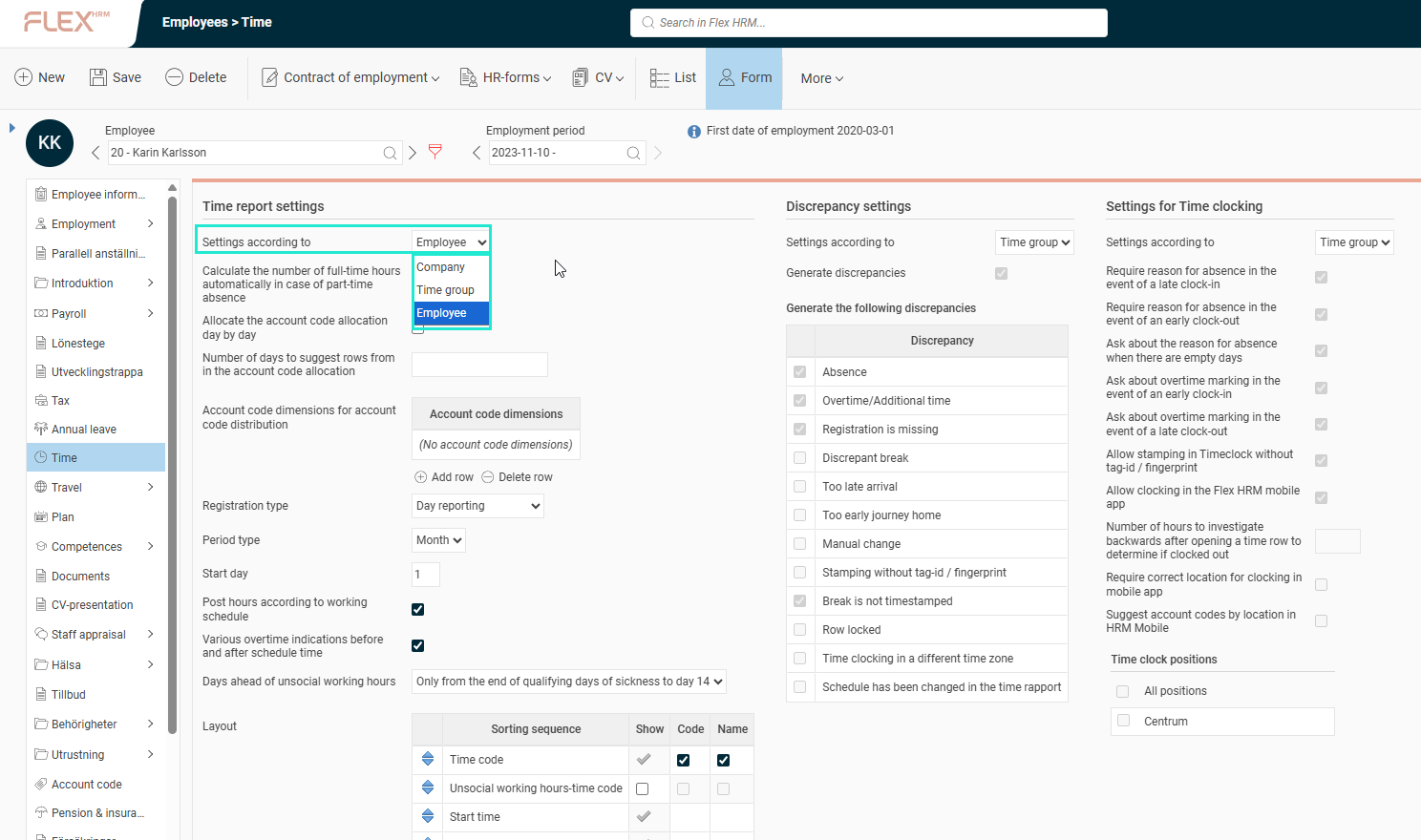
The appearance and settings of the time report can be defined at three different levels:
- Company (Time reports)
- Time group (Time groups > Time tab)
- Employee (Employee information > Time tab)
The most specific setting applies. This means the company's setting is only used if nothing else is specified at the time group or employee level.
Please note:
If an employee has settings according to employee, any changes made at the time group or time report level will not affect that employee.
Please note: This article is AI-translated. This means that linguistic errors or misunderstandings may occur.