
User log
General > Logging > User log
The user log can be used to check if any users are logged in when major work needs to be done, making troubleshooting easier and giving you the opportunity to detect any attempted intrusions.
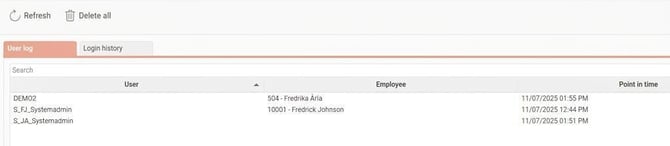
Under the tab User log you can see which users are currently logged in to Flex HRM (web).
If you are looking for a specific user, you can use the search field Search at the top.
Login history
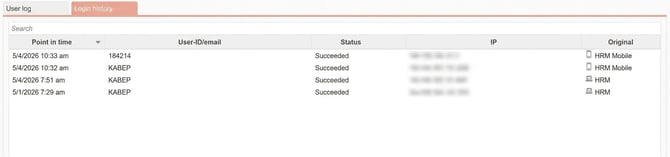
Under the tab Login history you can see logins to Flex HRM, mobile apps, and HRM Timeclock.
How long is the log saved?
The history is retained for 90 days and then deleted automatically. The most recent successful login per user is kept, even if it is older than 90 days.
Please note: This article is AI-translated. This means that linguistic errors or misunderstandings may occur.