
Add or delete users
You manage the authorisation under Administration > Users/Authorities > Users in the payroll system.
Proceed as follows:
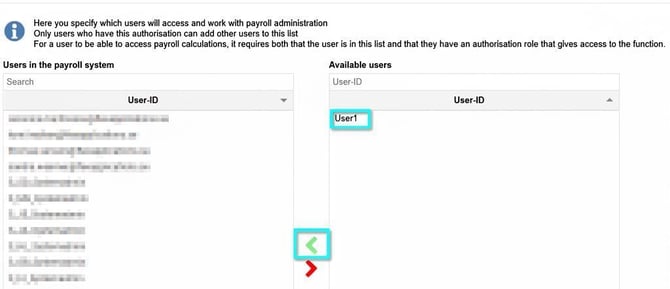
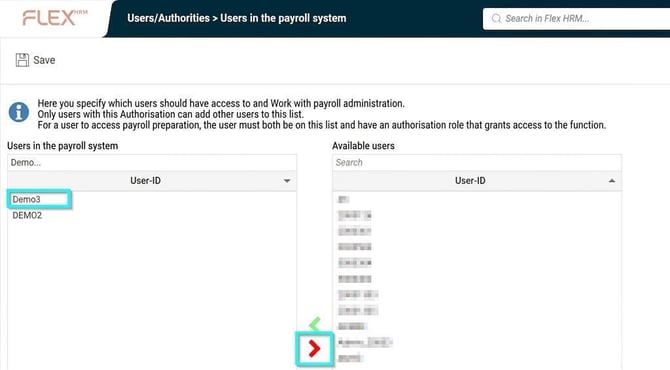
- Search for and select the relevant user in the Available users list Available users.
- Click on the green arrow to add the selected user to the Users in the payroll system list Users in the payroll system.(If you wish to remove the authorisation, select the user in the Users in the payroll system list and click on the red arrow instead).
- Click on Save.
Please note: This article is AI-translated. This means that linguistic errors or misunderstandings may occur.