
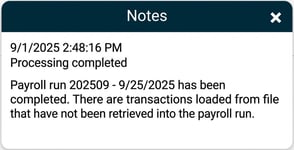
After importing transactions via an import file, you may see a warning that there are transactions that have not been loaded into the payroll run in a notification.
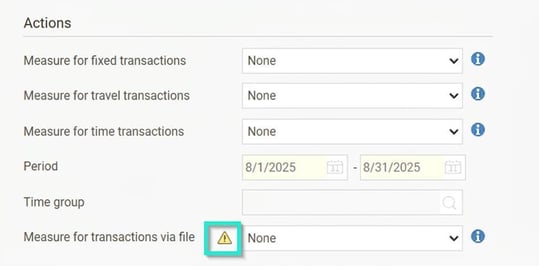
You may also see a warning triangle next to the field Action for transactions via file when you go to Payroll run > Complete to import transactions.
Find the transactions that have not been imported:
-
Go to Actions processed > Service routines > Downloaded original transactions for payroll runs.
-
Clear any selection in the "Payroll transfer" field to find the transactions.

-
Tick "Show only not retrieved for payroll run".

Address the transactions that have not been imported:
-
Correct and re-import: If the transaction should be included in the payroll, correct the error (e.g. incorrect information in the file) and import the file again.
-
Manual registration: If you cannot re-import the file, register the transaction manually in the payroll run.
-
Delete the transaction: If the transaction should not be included in the payroll, delete it by clicking the cross on the row. This deletes the warning in the payroll run.
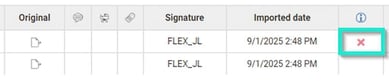
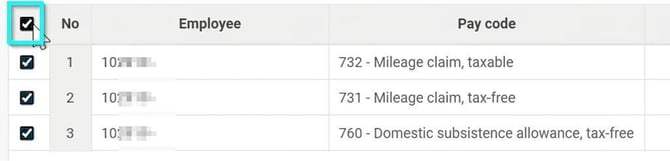
- To delete several or all rows, you can tick one box, or alternatively select multiple rows in the left column.
Please note: This article is AI-translated. This means that linguistic errors or misunderstandings may occur.