
Under To do on the app’s front page, you can see whether you have travel expense claims to submit.
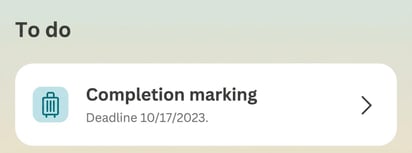
Click on the row under To do to go to the Expenses view, where you can submit your travel expense claims.
The row remains under To do as long as you have travel expense claims to submit.
The settings for displaying submissions under To do in the app are configured in Flex HRM under Settings > General > Reminders. You need a reminder for submitting claims that is set to be sent to employees and displayed as a notification in the mobile app.
The reminder is also sent as a push notification if you allow notifications in your app.
Here, we use the term submission for the first audit level of a travel expense claim. It may be called something else in your system.
Please note: This article is AI-translated. This means that linguistic errors or misunderstandings may occur.