
Activate the licence for your company
Start by activating the new licence for your company under the administration settings.
- Go to Administration > General > Company.
- Find your company in the list.
- Select the Licence tab or menu and tick your new licence.
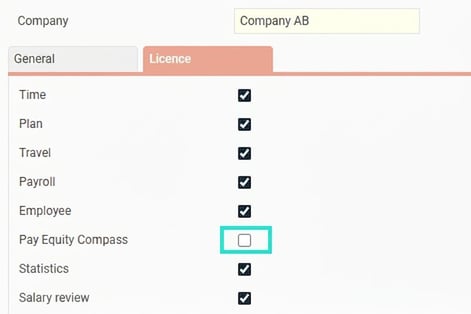
- Click on Save company to activate your new licence.
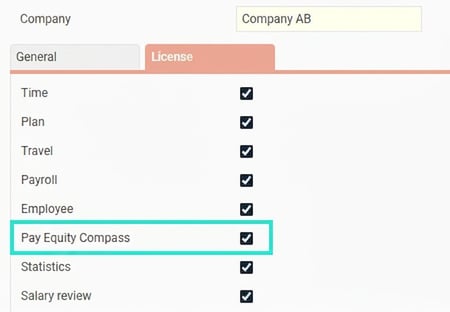
If you do not see your new licence
If you have purchased the licence, but it does not appear in the list, you first need to update your licences via Flex online.
- Go to System register > Licence.
- At the bottom of the page you will find the section for Flex online.
- Click the button Update the licence.
Please note: This article is AI-translated. This means that linguistic errors or misunderstandings may occur.