
It may be possible to reject an audited time report and write a comment to the employee explaining what needs to be corrected. When a day is rejected, all previous audits are removed and the day becomes preliminary.
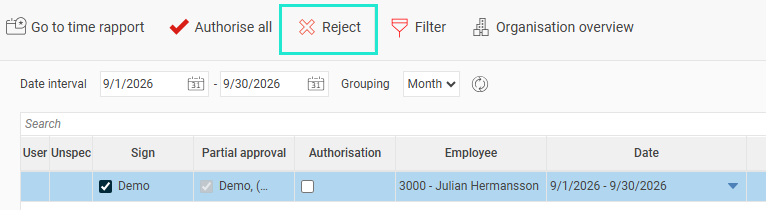
You can reject from the time report or in the audit view for time reports.
In the audit view, select a time report and click the button Reject.
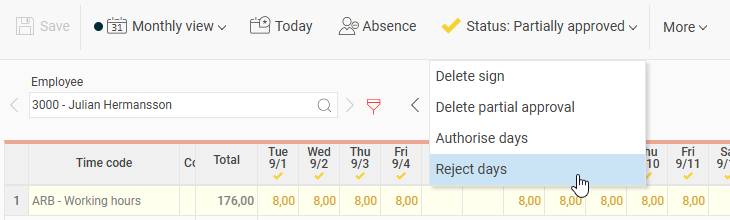
In the time report, the option to reject can be found under the Status icon.
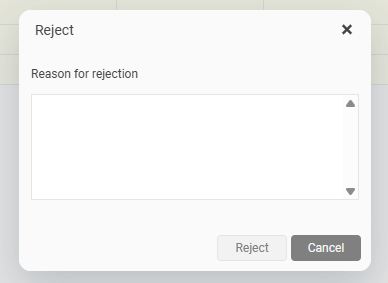
When you choose to reject, a popup appears where you can write a comment and perform the rejection. The comment will be included in any reminder to the employee. A reminder is sent automatically upon rejection, if your company is set up for this.
Please note: This article is AI-translated. This means that linguistic errors or misunderstandings may occur.