
Once your time report is fully completed, this should be indicated by auditing the time report and confirming with your signature that it is entirely finished.
Please note
Here we are using the term Submission to mean the user audits their reported time. It may have a different name in your organisation.
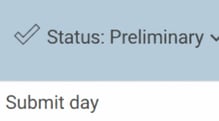
| 1. Day by day, you can specify under status that the day is complete from the daily reporting tab. Just click on Status > Submit day. |
 |
| 2. Via the week or month view, each day can also be audited; just click on a date and use the audit icon. | 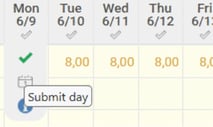 |
| 3. If you want to submit several days at once, you can go to the week or month view and click on Status > Submit days. | 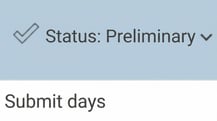 |
| 4. Specify which interval you want to audit. | 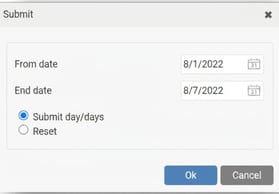 |
| 5. When the entire period is audited, the period status is updated. | 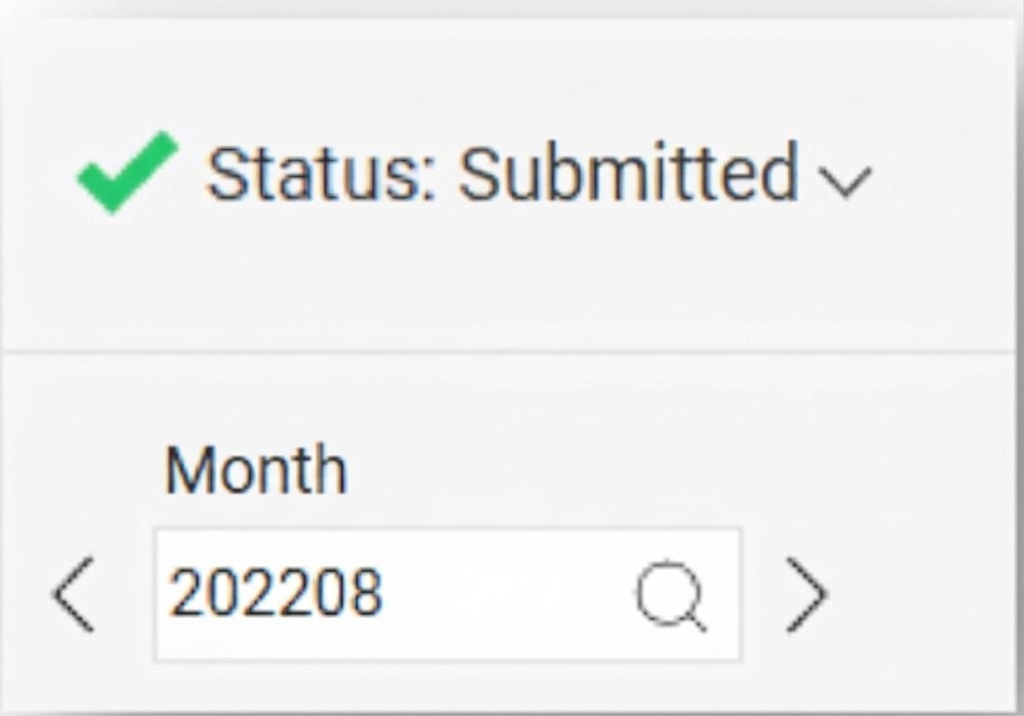 |
Please note: This article is AI-translated. This means that linguistic errors or misunderstandings may occur.