
How to add an expense
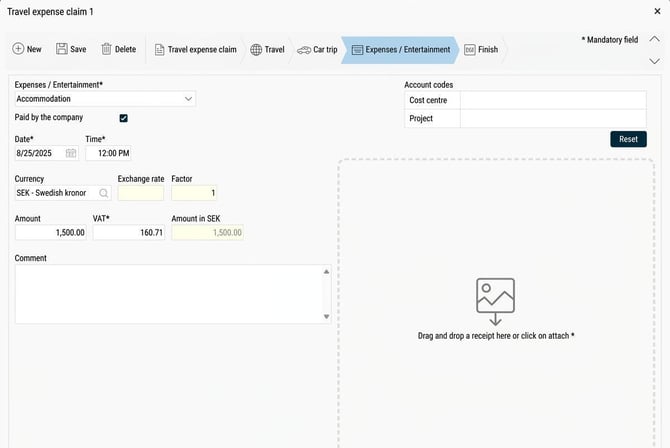
Expenses is used when you have paid for something for the company's account with your own money and are to receive an allowance for it. This can cover everything from wellness activities to office supplies or parking fees. To register a new expense, start by filling in the various fields. Some fields are specific to certain types of expenses.
Start by selecting the type of expense. Please note that certain expense codes have a pre-set VAT rate. This is used to calculate the VAT based on the amount you specify. The calculated VAT value appears in grey and italic text. If it does not match the VAT on your receipt, you can specify the correct value.
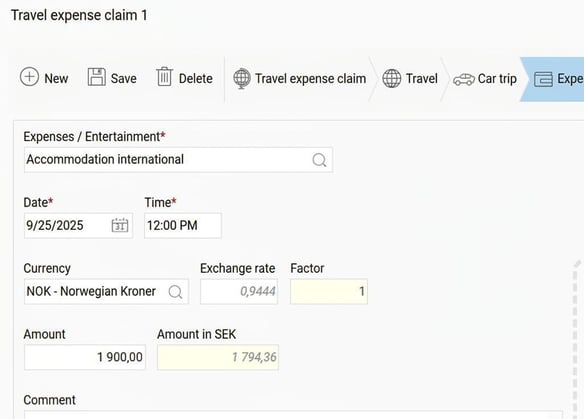
Expenses in another currency
If you add an expense in another currency, the exchange rate is automatically retrieved for the date the expense was made. You should always specify the amount in the currency that was used for the purchase.
Add an attachment
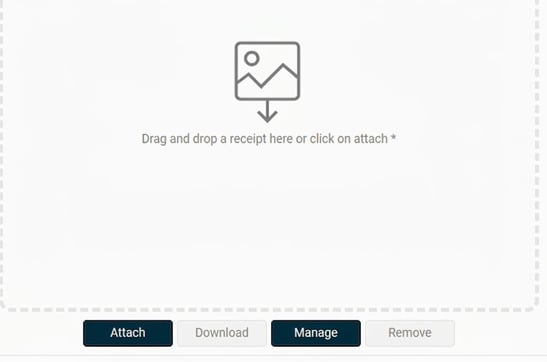
You can easily connect a digital attachment to your expense.
-
Click on Attach to select a file, or drag and drop the file directly into the system.
-
Images are displayed directly. Attachments in other formats, such as PDF files, may need to be downloaded in order to open them.
Purpose and participants
If you have selected Entertainment, you must complete the fields for purpose and participants.
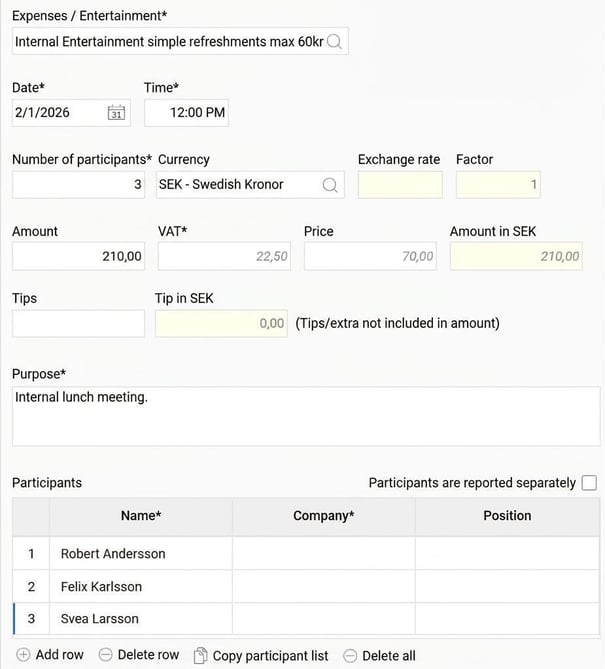
If this information already exists in the system, you can tick the box participants are reported separately. The participants will then be reported separately in an attachment.

The option Copy participant list can make things easier if the participant list is the same as for an earlier entertainment entry. You can choose to copy from your ten latest registrations of entertainment with participant lists. If you have entered any participants manually and then choose to copy from a previous entertainment entry, the list will be complemented with the copied names. The participants you have already entered will not be overwritten.
Please note: This article is AI-translated. This means that linguistic errors or misunderstandings may occur.