
Go to Trip log
When you want to register a new trip log in HRM Travel, start by selecting the correct vehicle and time period.
-
Go to Trip log.
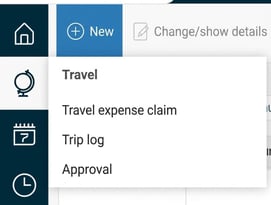
-
Select the correct vehicle and date interval.

-
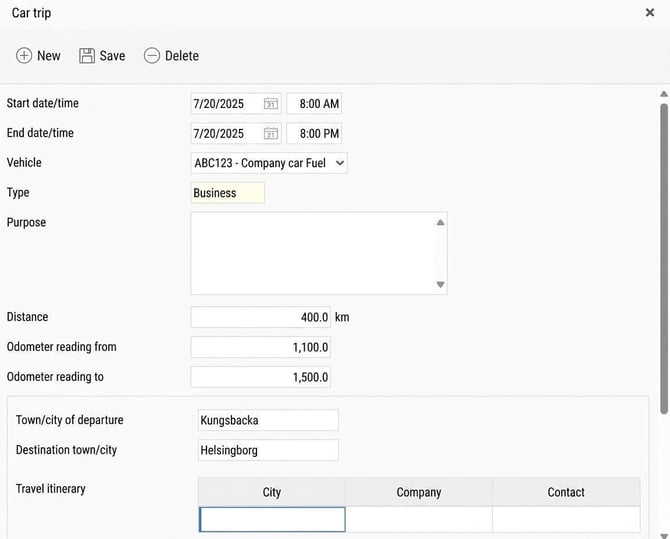
Click on the button New to start registering a new car trip.
-
Fill in the requested information and click on Save.
When all car trips for the month have been reported, you need to Settle benefit car and specify the outgoing odometer reading as of the last day of the current month.
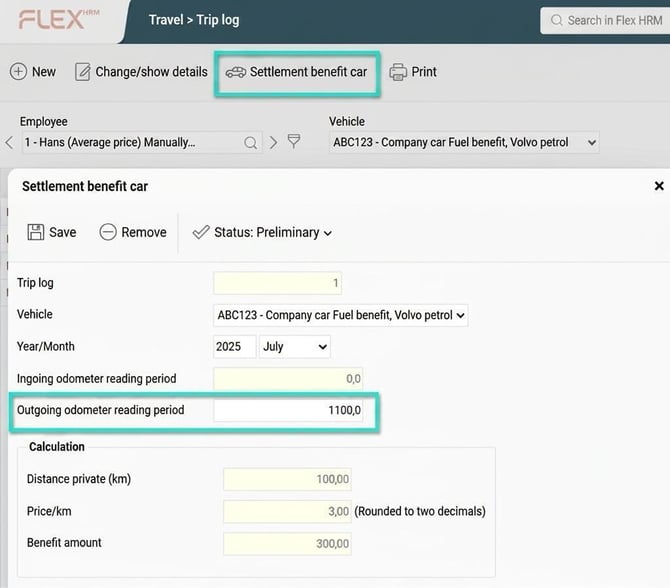
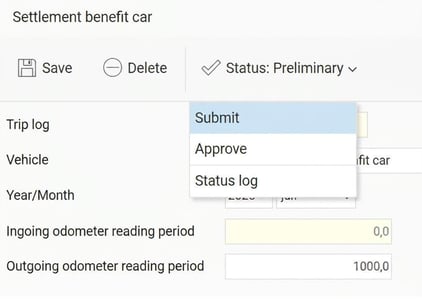
Don't forget to Submit the Settlement!
Please note: This article is AI-translated. This means that linguistic errors or misunderstandings may occur.