
Here's how to do it:
-
Go to Personnel > Employees.
-
Select the relevant employee and click on the tab Payroll.
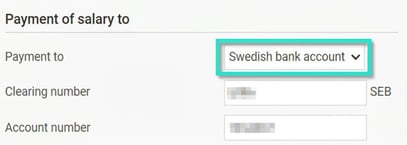
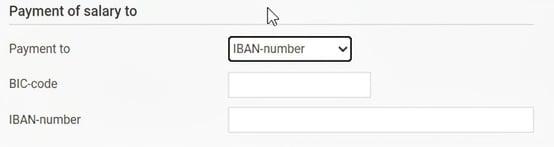
- Select Payment to > Swedish bank account or IBAN-number
-
Enter the information for Clearing number and Account number or BIC-code and IBAN-number.
Important to keep in mind:
-
Clearing number: Specify the complete clearing number. If the employee uses Swedbank, for example, you need to provide all five digits.
-
Account number: As different banks have different rules regarding how many digits an account number should contain, you may sometimes need to add extra zeros.
-
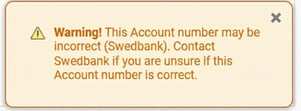
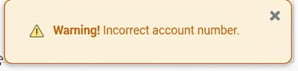
Validation: In Flex HRM there is built-in validation that alerts you if the information you've entered needs to be checked. These can look slightly different, for example:
Please note: This article is AI-translated. This means that linguistic errors or misunderstandings may occur.