
Positions
Go to Administration > Register and select Positions from the menu.
You will then see the following view:
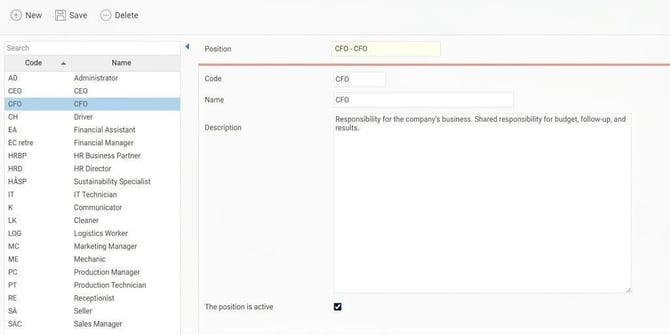
The list on the left displays the positions that have been created. On the right, details for each position are shown.
Click on New to create a new position.
- Code - Here the code (abbreviation) for the current position is displayed/entered.
- Name - Here the name of the position is displayed/entered. Here the name of the position is displayed/entered.
- Description - Here you enter a brief description of the position. You can then retrieve this description for the employment contract using tags for HR-forms.
- By unticking the box The position is active you can deactivate positions that are no longer being used.
Deactivated positions are still available in the register and can be displayed via the setting Also show inactive positions below the list on the left.
The position register can be imported from file via Actions processed > Service routines > Import.
Please note: This article is AI-translated. This means that linguistic errors or misunderstandings may occur.