
Remove an employee from a preliminary payroll run
This article describes how to remove one or more employees from a started, preliminary payroll run in payroll preparation.
To do this
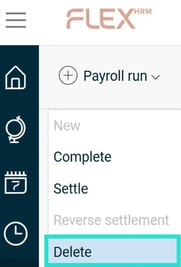
- Go to the menu Payroll run > Remove.
- A dialogue box opens. Specify the employee or employees you want to remove from the payroll run under the heading Selection of employees.
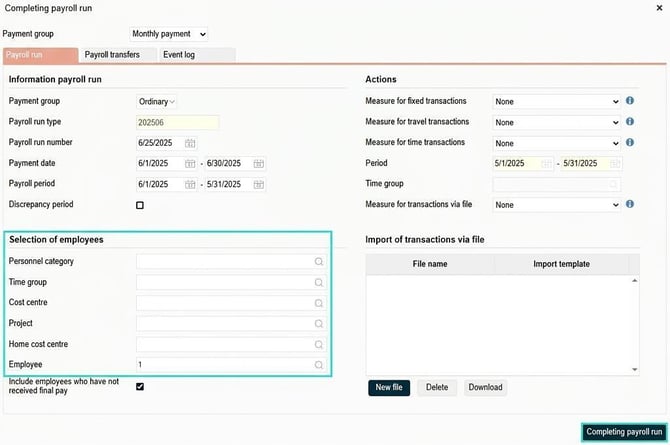
- Click on the button Completing payroll run to apply the change.
Please note: This article is AI-translated. This means that linguistic errors or misunderstandings may occur.