
Select your front page
You can set which page you want to see immediately when you log in to Flex HRM. For example, if you most often use your time report, you can select that as your front page.
-
Start by searching for the page you want as your front page in the search field.
-
In the search results, you will see a small house icon to the right of the page name. Click on the house icon to set it as your front page.

Navigate to your front page
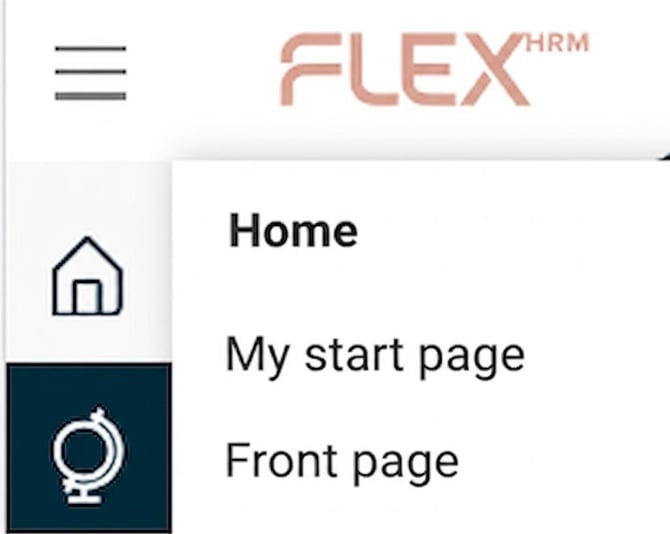
When you have chosen a personal front page, you will find it in the menu to the left.
|
Select Home > My home page to go to your chosen page. If you instead select Home > Home page, you will be taken to the standard home page for Flex HRM. |
|
Please note: This article is AI-translated. This means that linguistic errors or misunderstandings may occur.