
The calendar in your time report is useful when selecting dates for reporting or planning, for example, absence.
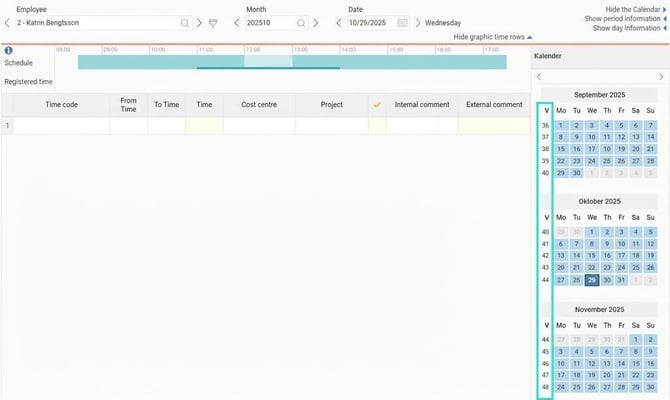
If you want the calendar to show week numbers you can make a setting for that.
Enable week numbers in the calendar
-
Go to the menu My profile > Language and national settings.
-
Tick the checkbox Show week number.
Once you have made the setting, the calendar in the time report will display week numbers.
Please note: This article is AI-translated. This means that linguistic errors or misunderstandings may occur.