
The report Employee record is a standard report in HRM Employee.
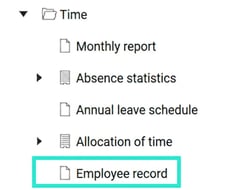
The employee record is created for companies within the restaurant, hairdressing, and laundry sectors that, according to the law, must keep an employee record, i.e. note who is working and when. This report meets the Swedish Tax Agency’s requirements and can easily be printed if the Tax Agency arrives for an inspection.
This means that the report shows all clocked-in persons, not just personnel you normally have authorisation to access.
Authorisation setting on role
If you only want to display the employees who have recorded their time in the department you are responsible for, this can be set as a specific setting on the role.
⚙️ Please note that this setting needs to be done by an authorised system administrator.
On the role, tick the setting Use authorisations according to account auditing. You must then also, for the User – Folder Audit of account code specify which departments (any account code dimension can of course be used) the user should be authorised to view. The report will then only display the employees who have recorded their time in that department, which may also include employees who belong to another department and are temporarily lent in. In the same way, it will not show employees who normally belong to your department but have recorded their time in another department today.
Please note: This article is AI-translated. This means that linguistic errors or misunderstandings may occur.