
The report Employee list is a standard report in HRM Employee.
The report is authorisation-controlled, which means you only see the employees you have authorisation to view.
When you create the report, you can choose which information you would like to see.
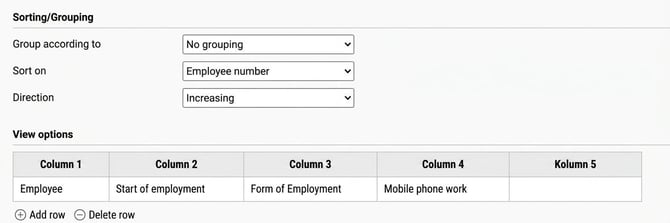
- Select Sorting/Grouping
- Then select the desired columns under View options
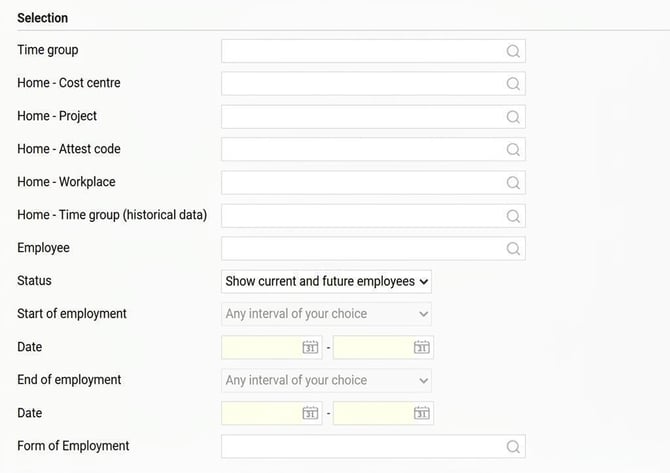
- Under Selection you can set which employees, to whom you have authorisation, that you wish to include in the report.
Please note that the report provides access to many fields from the Employee register. Even if the setting on the role does not give authorisation to a specific field, for example the Monthly salary field, in the Employee register under Employees it is still possible to retrieve that information in the Employee list report if you have authorisation to the report.
If it is not appropriate for the user to have access to all fields in the report, we recommend that an Administrator instead creates the requested report in the Report generator and shares it with the user. This way, you can control which information is included in the report.
Please note: This article is AI-translated. This means that linguistic errors or misunderstandings may occur.