
Which app should I use?
|
The mobile app HRM Mobile has been available for some time now. We are currently developing a brand new, fast, and user-friendly Flex HRM app with a completely fresh design. The new app is being developed and will continuously gain more functions. You can read more about it in the article What is the Flex HRM app and why are there two apps? |
 |
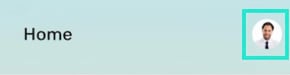
You can access My profile by clicking on your profile picture at the top right of the system. If you do not have a profile picture, your initials will be shown instead.
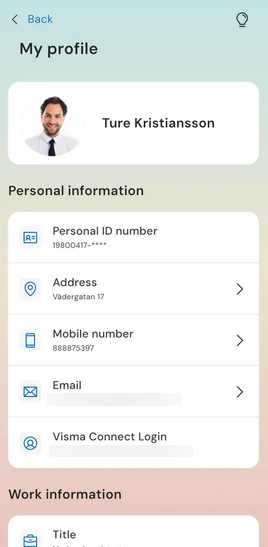
Under My profile you will see the email address you use to log in to Flex HRM (Visma Connect Login). You will also see the following information, which is retrieved from the employee register:
- Name
-
Mobile phone private and Mobile phone work
-
Email Private and Email Work
-
Address, Postal code, City and Country
-
National ID number
-
Immediate manager
-
Position
Under My profile you will also find the function to Log out as well as the app's version number.
See more details
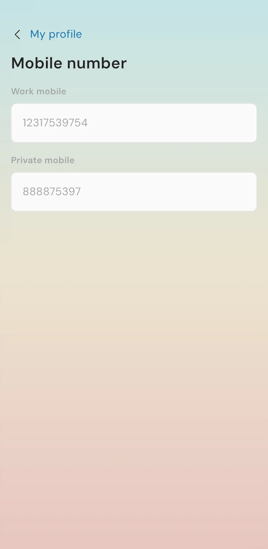
My profile serves as an overview where you can click further for more information. For example, you can click to see the contact information for your immediate manager or view all your saved mobile numbers.
|
|
Please note: This article is AI-translated. This means that linguistic errors or misunderstandings may occur.