
You can process absence in the following views: Staffing plan – Overview, Schedule and Work shift.
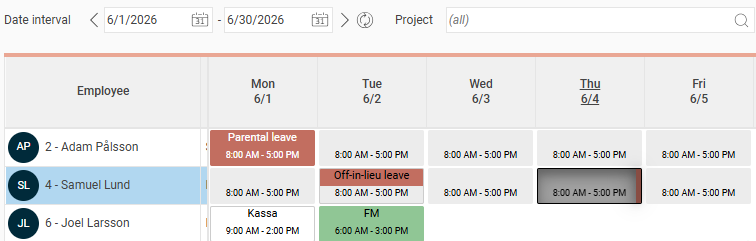
The authority to process absence can be found in the role tree under the node Time.
Show absence applied for in the schedule views
To view absence applied for in the staffing views, you need the authorisation Show absence applied for. You will find it under the node Plan.
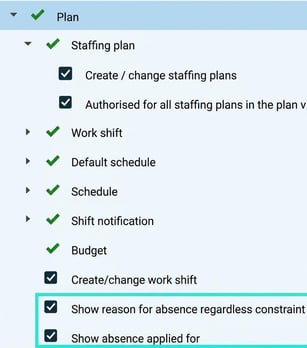
Show reason for absence regardless constraint
Under the node Plan the authorisation is also available Show reason for absence regardless constraint.
-
If this authorisation is ticked, you can see all reasons for absence.
-
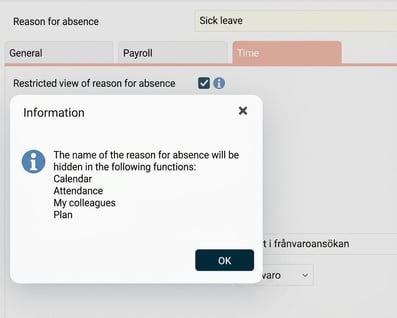
If it is not ticked, you only see the word Absence for those reasons for absence which have the setting Restricted view of reason for absence active.
Please note: This article is AI-translated. This means that linguistic errors or misunderstandings may occur.