
Pay code 952
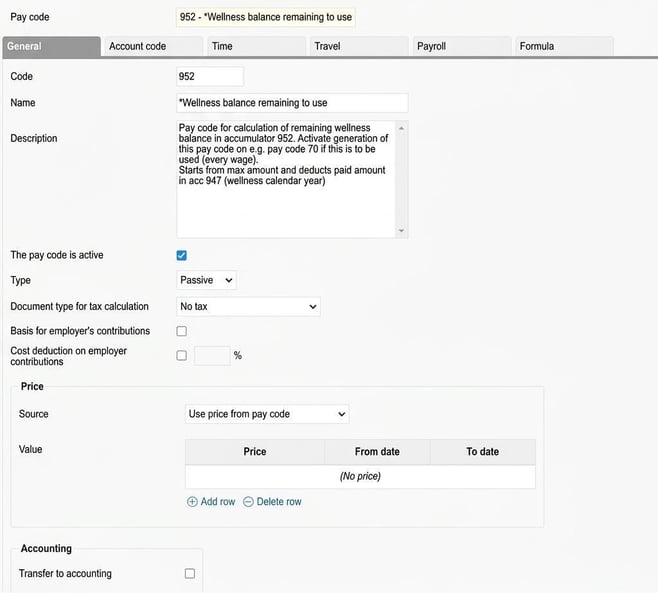
This is a passive salary type generated during the payroll process, for example through a fixed transaction each month. The salary type calculates the remaining amount that can be paid out.
- Visibility: This salary type should not be visible on the payroll specification.
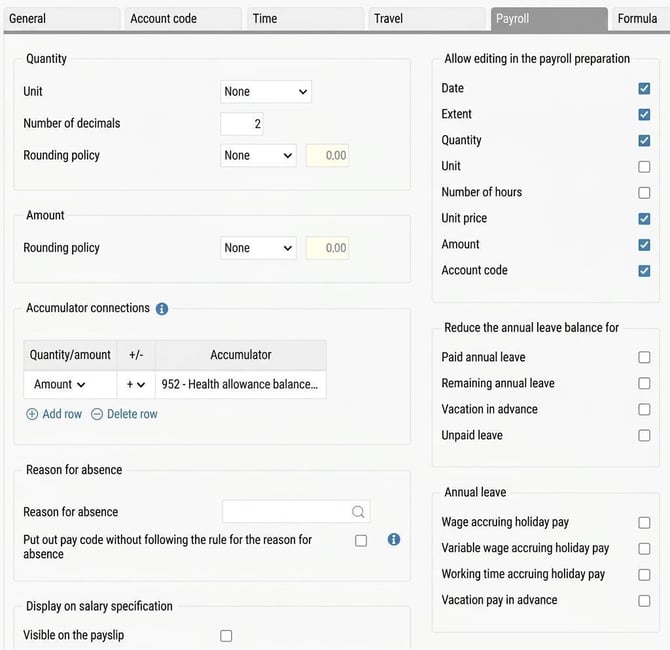
-
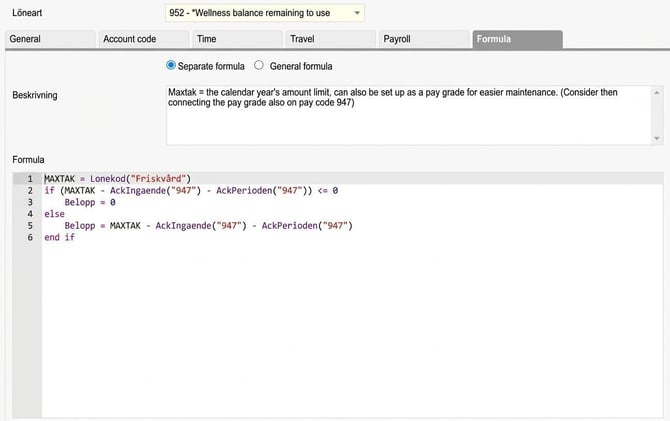
Formula: In the formula, the maximum amount is either fetched from a pay code called Friskvård or entered directly in the formula on line 1. This amount, together with the ingoing value and the pay period's value in the accumulator for paid friskvård, in our example Accumulator 947, is then used to calculate the remaining amount that can be paid out.
MAXTAK = Pay code("Friskvård") 'or maximum amount
if (MAXTAK - AckIngaende("947") - AckPerioden("947")) <= 0
Amount = 0
else
Amount = MAXTAK - AckIngaende("947") - AckPerioden("947")
end if
Accumulator
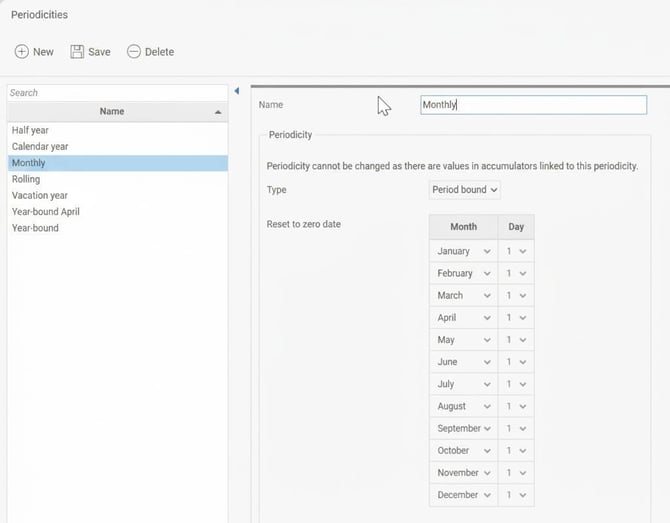
To calculate the current remaining amount correctly, the accumulator must be reset each month. This is done via Periodicities.
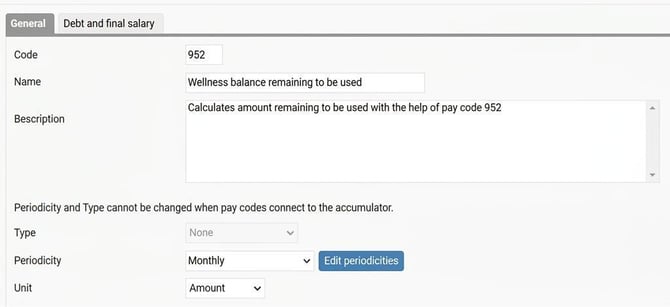
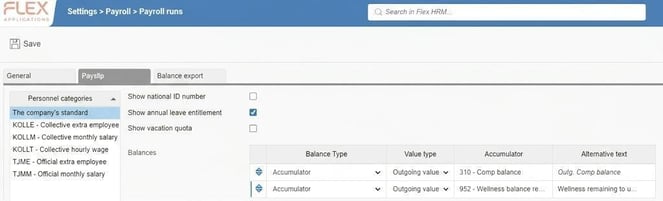
It is the accumulator’s outgoing value that is then displayed on the payroll specification.
Please note: This article is AI-translated. This means that linguistic errors or misunderstandings may occur.