
Curious about our new app?
We have a new Flex HRM app that is under development. Here you can see how to get started with the new app.
Absence in HRM Mobile
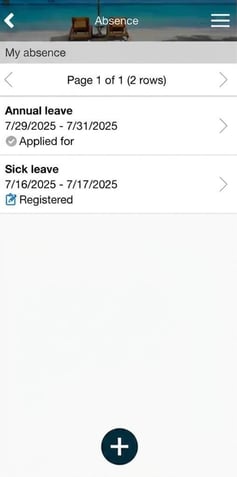
In the function Absence you can view all your registered and applied absences, apply for absence, and report previous absence.
|
 |
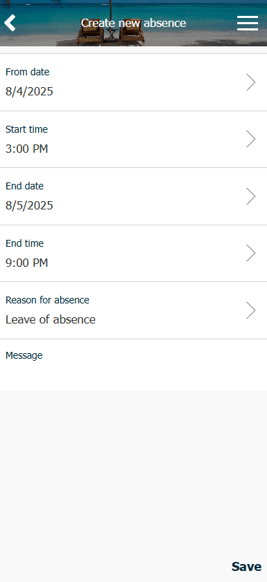
Register a new absence (daily reporter):
|
|
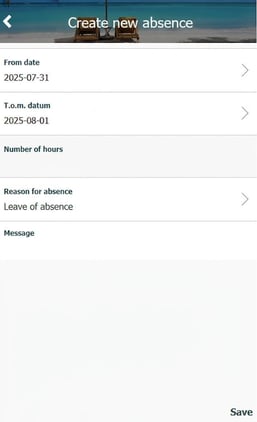
Register a new absence (periodic reporter):
|
|
If the absence needs to be approved first, it will receive the status Applied for and be sent to your manager. As soon as the absence is approved, it will be generated in the time report. If the absence does not need to be approvedit will receive the status Registered and will appear directly in your time report.
Please note: This article is AI-translated. This means that linguistic errors or misunderstandings may occur.