
Note: This article applies to the module Flex HRM Analysis for payroll mapping which will reach End of Life on 30 June 2027.
Would you like to learn more about our new module Flex HRM Pay Equity Compass, you will find the relevant articles here.
Documentation

If you are an employer with at least ten employees, you must document the work with the pay equity mapping and analysis. Documentation must be prepared even for pay equity mappings where there are no unjustified pay differences. To facilitate the documentation process, you can use Flex HRM’s final report.
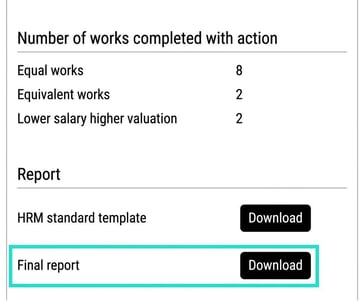
By clicking the button Download next to Final report as shown in the image below, you will receive a, partly, pre-filled document with data from the current pay equity mapping.
The final report includes, among other things, all the works including rating points, summaries of equal and equivalent work, as well as an action plan. Where data is missing in the current pay equity mapping, that section will be left empty in the downloaded document. It is downloaded as a Word document so you can add and edit whatever you need yourself.
You can attach your final report with the associated action plan as well as other documents that affect payroll, benefits, or anything else considered as payroll.
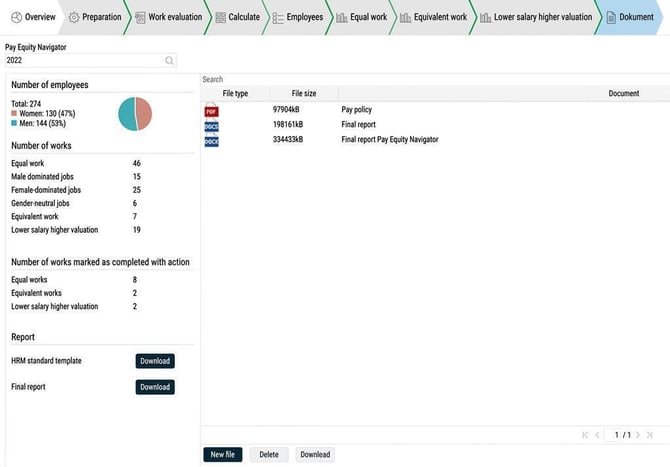
You attach files by clicking on New file. As long as the document view has not been submitted, you can upload and remove files. You can also download and review the files that have already been uploaded at any time.

Please note: This article is AI-translated. This means that linguistic errors or misunderstandings may occur.