

Under Personnel > Employees in HRM you will find the employee register with employee information and other employment information.
Delete employee
You delete an employee via the icon Delete at the top of HRM.
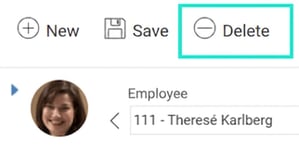
If an employee is deleted from HRM, all information related to that employee will be cleared. This also means that any signed documents linked to the employee will be deleted in HRM. This action cannot be undone.
Please note that the user is not deleted and must be managed manually.
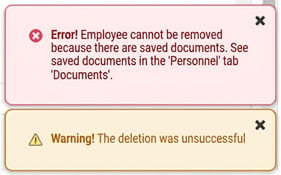
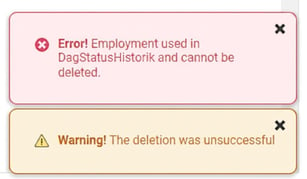
In some cases, it is not possible to remove employees and users if there are saved logs in HRM or something else blocking the action. A warning will be given to indicate when this happens.
Exampel warnings
HRM has separate functions for data purging of employee information and a function for making employees anonymous.
Related articles
Data purging – Deletion of employee information
How does Make employees anonymous work in HRM?
Please note: This article is AI-translated. This means that linguistic errors or misunderstandings may occur.